
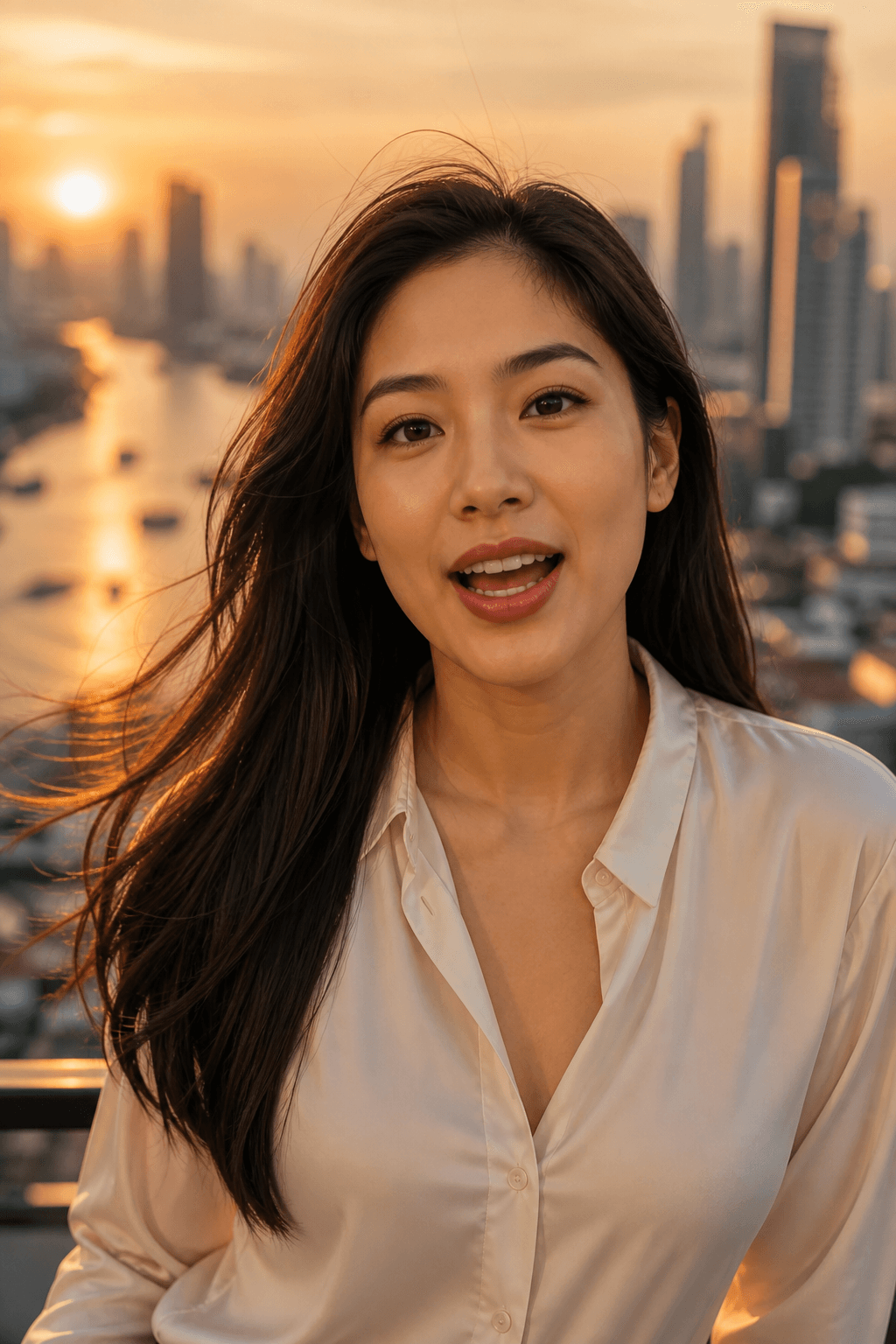
9:16 talking head
Bangkok golden hour
Rooftop, river light, a face that talks to camera.
Upload 1–3 images, add a scene and Thai dialogue. Get a lip-synced clip with optional burned-in Thai captions — already 9:16 for TikTok, Reels and Shorts.
1 credit = 1 video
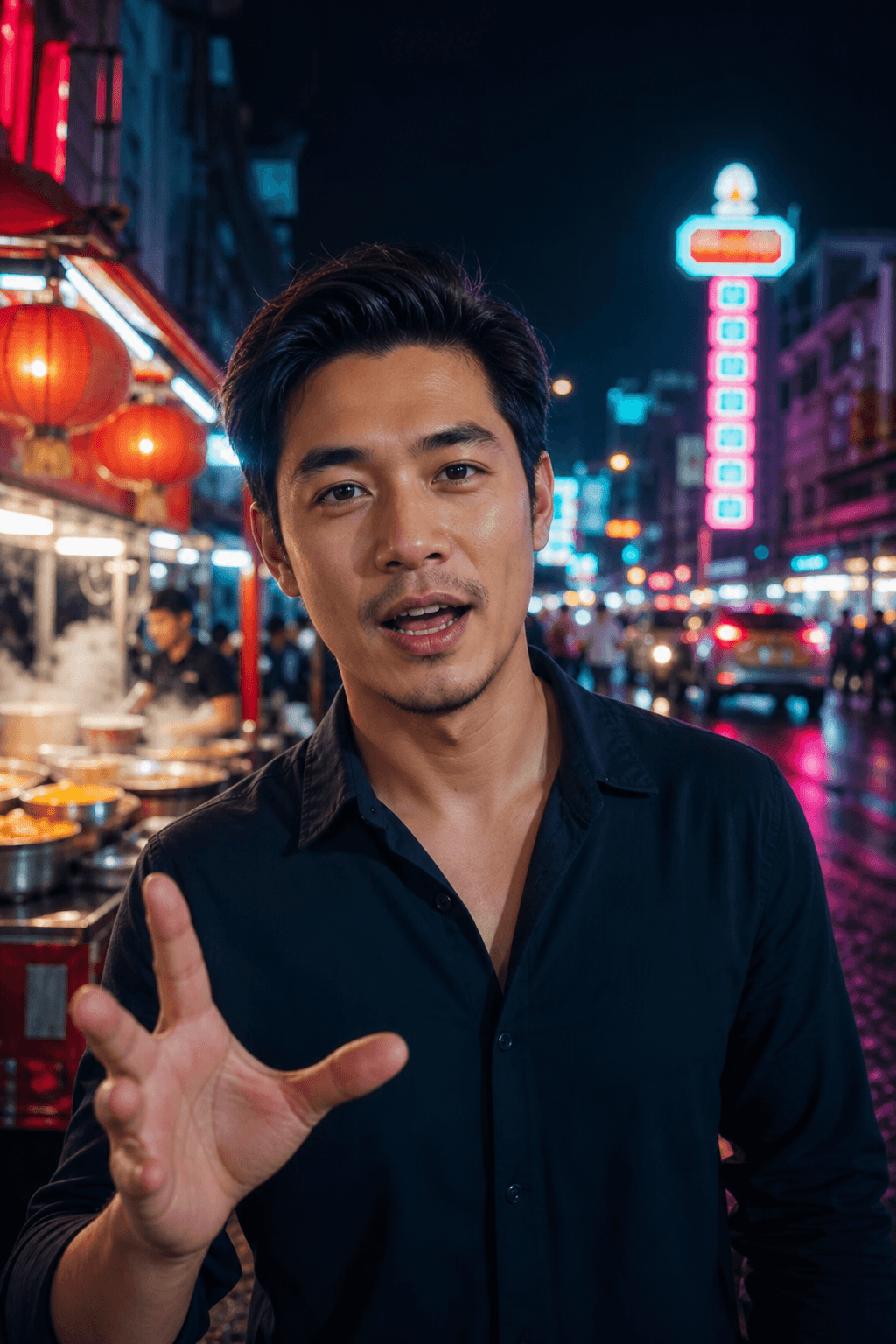
9:16
Yaowarat after dark
9:16
Bangkok golden hour
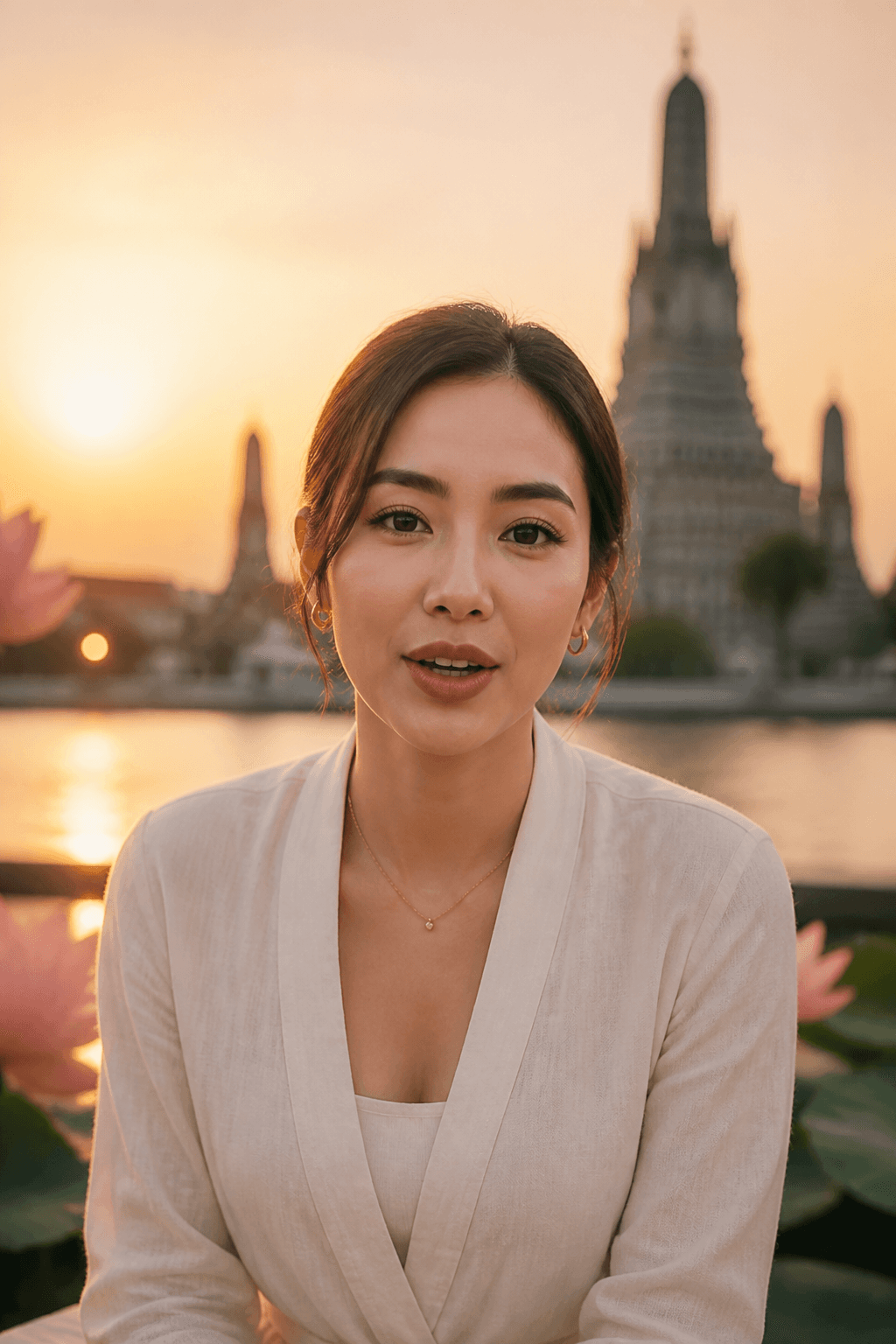
9:16
Wat Arun at dawn
Not a stock moodboard — this is a ThaiTalk clip from the still on the left. One photo in, a 9:16 talking video out.
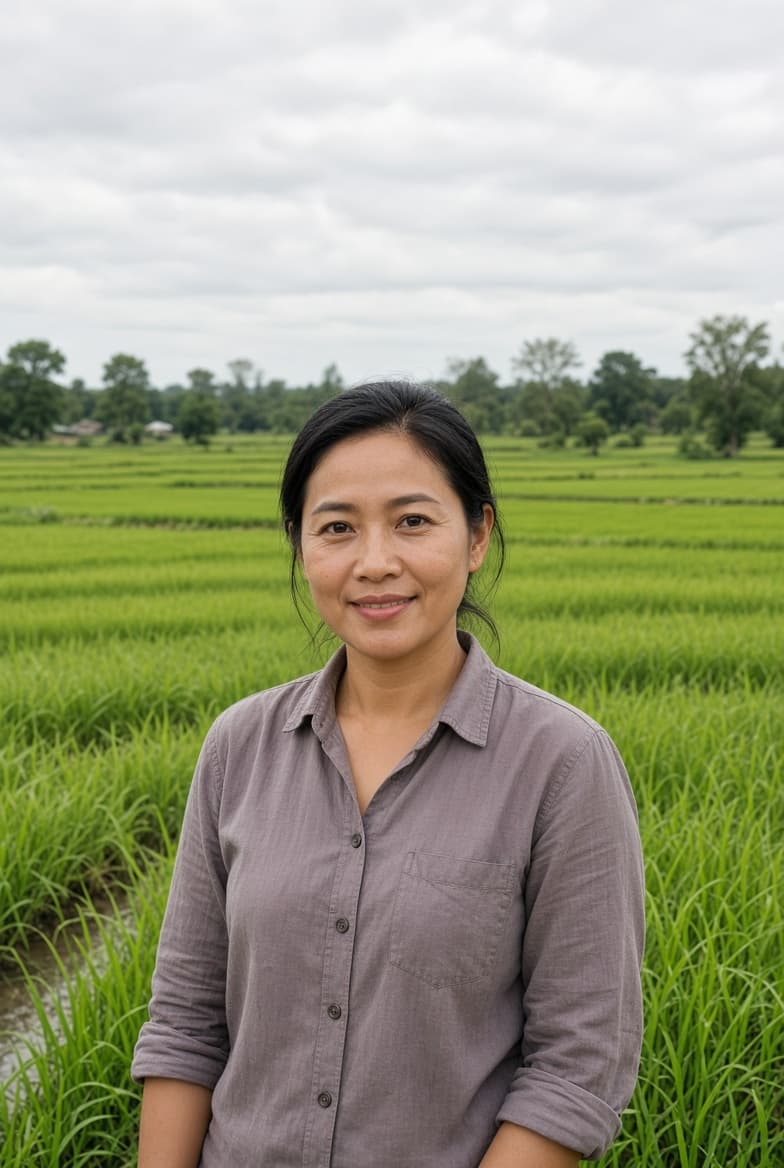
Face, clothes and place stay hers. ThaiTalk adds Thai speech, lip-sync and motion — ready to post.
Made for Thailand
Cinematic talking-head clips in the places that feel like home — rooftops, night markets, temples at dawn.
9:16 talking head
Rooftop, river light, a face that talks to camera.
9:16 talking head
Neon, street food steam, social-native energy.
9:16 talking head
Soft gold, still water, a voice that carries.
Studio tools, without the studio wait.
High-quality Thai speech from ElevenLabs V3 drives the mouth and expression on your photo.
Tell a story across multiple photos — clips are generated and stitched automatically.
Export 1080×1920, already framed for TikTok, Reels and Shorts — or square 1:1.
Record or upload a sample and let the video speak in your own voice. Up to 3 cloned voices per account.
Optional Thai subtitles are drawn into the video, in the Reels/TikTok safe zone. Viewers see them without turning on captions in the app.
Upload photos
Write the scene and Thai dialogue, and optionally burn captions
Generate